Google Search Console has completed the global rollout of its dedicated AI Performance Report — giving every website owner on the planet the ability to see, for the first time, exactly how their content is performing inside Google's AI Overviews and AI Mode separately from traditional organic search.
The rollout, which began with a limited beta in June 2026, was confirmed complete for all Search Console users on August 31, 2026. According to Google's official Search Console interface and confirmed by Bootcamp Digital's feature walkthrough, the new report surfaces impression counts, click-through rates, and average positions for content cited in AI-generated answers — data that was previously invisible within standard performance reports.
🔑 Key Takeaways
- Google Search Console AI Performance Report is now available to 100% of Search Console users globally
- The report shows AI Overview impressions, clicks, and CTR as separate metrics from standard organic data
- Rollout completed August 31, 2026 — if you haven't checked Search Console this week, do it now
- You can filter by query, page, country, and date to see exactly which content is being cited in AI results
- Many sites are discovering significant AI impression volumes they had no previous visibility into
- The data is essential for GEO strategy prioritisation and content investment decisions
Why This Report Changes Everything for SEO Strategy
Until August 31, 2026, Search Console's Performance Report showed a combined view of clicks and impressions across all search result types. If Google's AI Overview cited your page and a user clicked through, that click was counted alongside every other organic click — with no way to distinguish the source.
The problem with that data blindness: your total click numbers could be declining while your AI citation volume was actually growing. Many sites experiencing traffic drops assumed their content was performing worse overall, when in reality they were being cited more inside AI Overviews (which naturally generate fewer clicks per impression) while traditional organic positions remained stable.
The new report ends that confusion. Now you can see exactly where impressions and clicks are coming from — and make investment decisions based on a complete picture of your search performance.
✅ Action: Check Your AI Report This Week
Log into search.google.com/search-console, open the Performance section, and look for the new "AI" filter tab alongside Web, Image, Video, and News. This is live for all accounts as of August 31, 2026. If you don't see it yet, try a hard refresh or clear your browser cache.
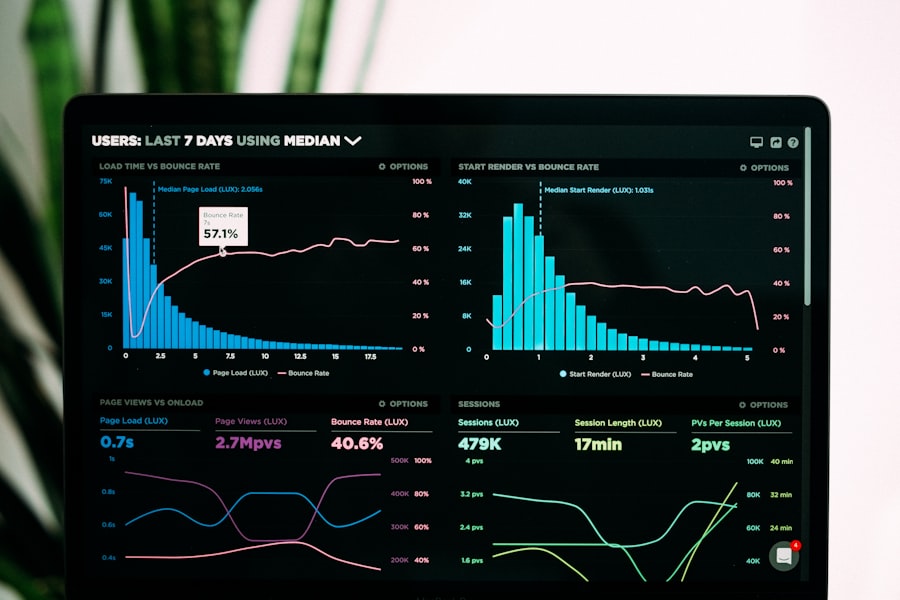
Marketers are now able to separate AI Overview performance from traditional organic results for the first time. Photo: Unsplash
How to Use the AI Performance Report: 5 Steps
-
Open Search Console and go to Performance From your Search Console dashboard, click "Search results" under Performance in the left sidebar. At the top, you'll see search type tabs — select "AI" (it appears next to Web, Image, Video, News).
-
Set your date range to the last 90 days AI Overview data has been collected since June 2026 for most accounts. A 90-day window gives you enough data to identify meaningful patterns versus noise.
-
Sort by Impressions to find your most-cited content High impressions with low clicks is the AI Mode pattern — your content is being summarised but users aren't clicking through. This content is valuable for brand awareness but not for traffic.
-
Export and compare against your standard organic data Download both datasets. Pages with growing AI impressions but declining organic clicks need a GEO optimisation strategy. Pages with strong clicks in both reports are your highest-value content assets.
-
Build a GEO content priority list Rank your pages by AI impression volume. These pages are already being cited by Google's AI — they're your best candidates for structured data enhancement, citation optimisation, and content depth improvements to capture more AI clicks.
What the Data Typically Reveals
Based on early adopter reports from digital marketing agencies including Flypost Marketing, sites checking their AI Performance Report for the first time are finding:
- AI impression volumes that are 3–8× higher than expected — content is being referenced in AI Overviews far more than organic click data suggested
- Long-tail, question-format queries generating the highest AI impression counts — exactly the content types that also generate zero clicks in AI Mode
- Some pages with zero traditional organic clicks in the last 30 days but hundreds of AI impressions — suggesting they've been replaced in the traditional SERP but adopted into AI Overviews
- Geographic variation: AI Overview usage is highest in US, UK, Australia, India, UAE, and Saudi Arabia — giving GCC publishers a clearer picture of local AI search penetration
Related: Read our full analysis of AI Mode's 4.5% CTR and what it means for organic traffic →